👻 GhostPace
Compare your daily commute.
GhostPace records your drive, ride, or walk with GPS so you can compare routes and real travel times. Finally settle whether the shortcut is actually faster.
Coming soon to theApp Store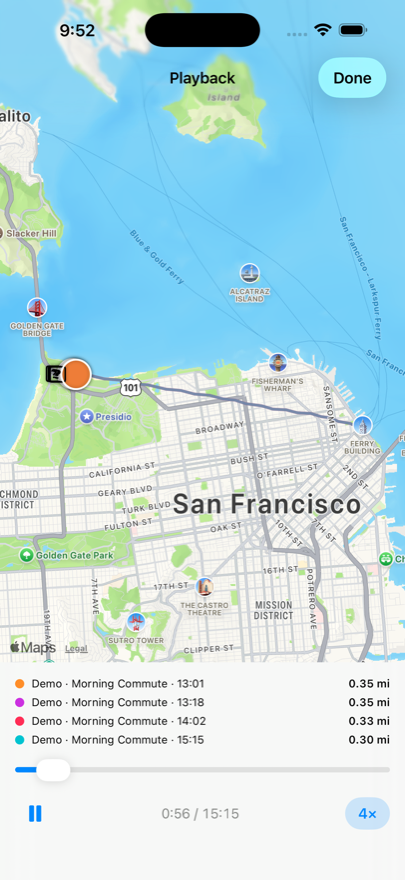
GhostPace records your drive, ride, or walk with GPS so you can compare routes and real travel times. Finally settle whether the shortcut is actually faster.
Coming soon to theApp Store
How it works
Record a trip once and it becomes a ghost — a replay of exactly where you were at every second. Compare later trips with it to see what actually changed.
Tap the green button when you leave, stop when you arrive. Recording keeps going with your phone locked or in your pocket, and each trip is tagged driving, cycling, or walking.
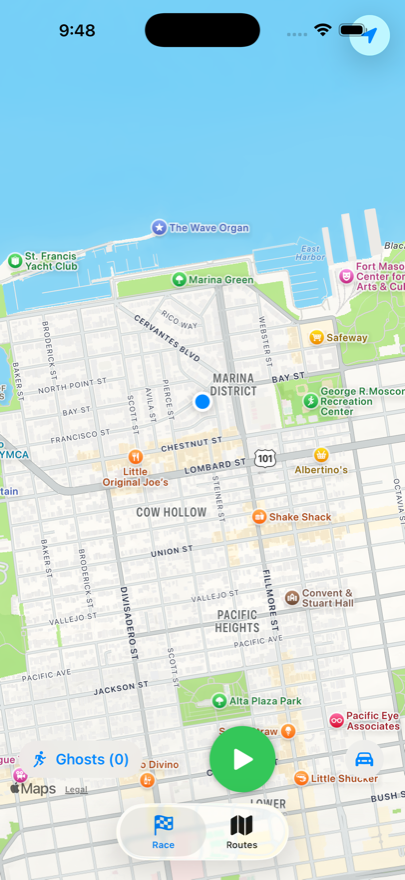
Choose a route and start recording before departure. Put your phone away while moving; after arrival, compare the completed trip with your own history.
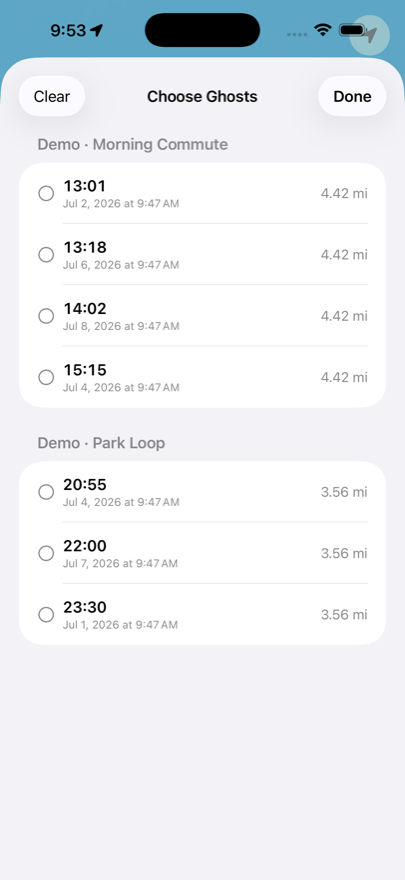
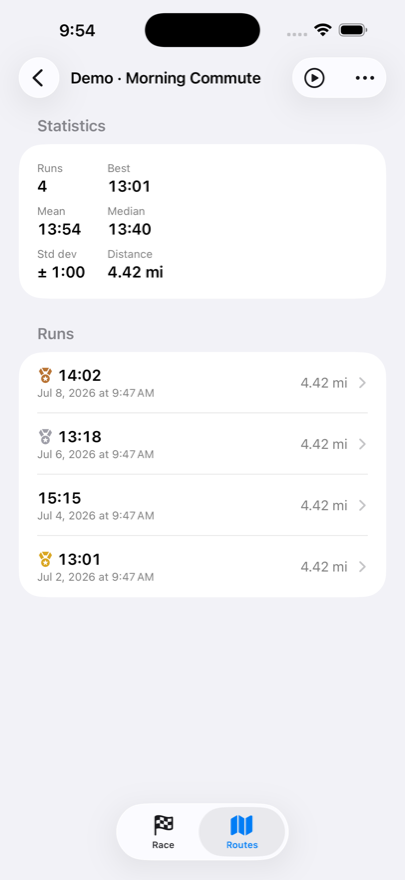
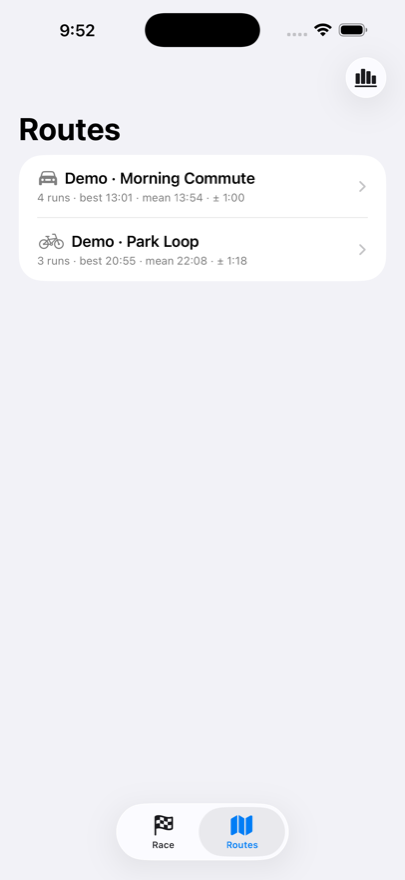
Group trips into named routes like “Home → Office.” Compare averages, medians, ranges, and consistency to learn which option usually works better.
Replay any run — or a route's top eight at once — as moving ghosts on the map, with scrubbing and up to 32× speed. Compare whole routes side by side to settle which way to work really is faster.
Private by design
GhostPace is built to know nothing about you. Apple's App Store privacy label for GhostPace reads, in full: “Data Not Collected.”
Every route, run, and statistic lives in a local database on your phone. Nothing is uploaded, ever.
No sign-up, no analytics, no tracking SDKs, no servers to breach. The app doesn't even use the network.
Remove a run, a route, or the app itself and the data is gone. There is no copy anywhere else.
Start and stop recordings from Apple Watch while your phone stays locked or pocketed. Review route comparisons after you arrive.